Typing practice with text that matters to you
Open a PDF with text and type on the real page. Every letter is coloured on the original typeface; your speed and accuracy are saved per page.
Free · no account · the PDF never leaves your computer
How it is done
Open a PDF
A book, your notes, a paper. It opens in your browser and never leaves your computer.
Type on the page
Page numbers and running heads are not typed; the clock pauses when you stop to read.
See what it teaches
When you close the page: letter pairs you miss, keys that slow you down and the next task.
Why it beats a random-word test
A random-word test trains fingers; real text trains fingers and reading at once. You type sentences with punctuation, capitals and proper names, as in real life.
Because it is your own material, the time counts twice: you practise and you also finish the book or review the syllabus.
Short parts (about 80 words) make it easy to sit down every day. One part a day is the goal; the rest is a bonus.
Typed on a desktop or a tablet with a physical keyboard.
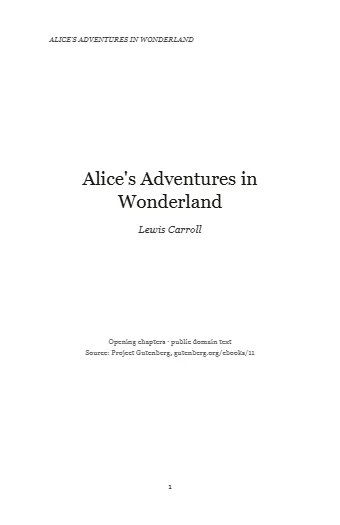
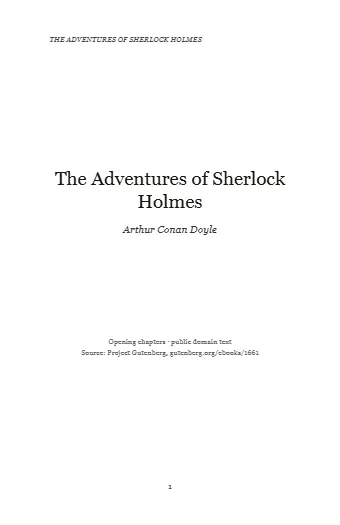
Books to start with
Questions
Does any PDF work?
Those with real text: books, notes, papers, contracts. Scans without a text layer do not, because there are no letters to recognise.
Is my PDF uploaded?
No. It opens in your browser and stays there, on your computer. There is no account and no server receiving it.
What if I have no PDF at hand?
Twelve public-domain classics are ready to type, in English and Spanish.
Other uses: Learn Spanish by typing books · Study your notes and papers by typing them